How to clean your OLED monitor
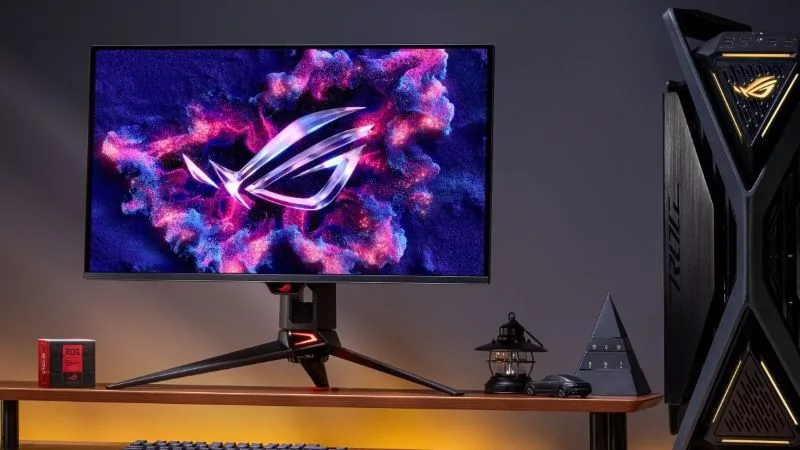
OLED gaming monitors deliver incredible contrast, vibrant colors, and razor-sharp detail. They’re unlike any other monitor you’ve ever used. So don’t attack them with whatever cleaner happens to be under the sink. When it’s time to clean your OLED monitor, you need to get it right. These displays often include specialized coatings designed to reduce reflections and improve image quality, and the wrong cleaning method can damage those coatings over time.
The good news: keeping your OLED monitor looking pristine is surprisingly simple. You don't need expensive cleaning kits or harsh chemicals. You just need the right technique.
Start with the simplest solution

Before you start any cleaning efforts, turn off your monitor, then let it cool for a few minutes. A dark screen makes fingerprints and dust much easier to see, and cleaning a cool panel is safer in general.
Next, grab a clean microfiber cloth, like the one included with your ROG OLED gaming monitor. Do not opt for a paper towel or the corner of your T-shirt. A soft microfiber cloth is designed to lift dust and oils without creating micro-scratches on delicate surfaces, so it’s the best tool for the job. Begin with the cloth completely dry. For most dust and loose debris, that's all you'll need. Wipe gently across the screen using light, overlapping strokes. There's no need to press hard, as the microfiber should do the work for you.
Moisture trumps muscle for stubborn smudges

If fingerprints or oily marks remain, lightly dampen a corner of your microfiber cloth with distilled water. This is preferable to tap water, as that can leave mineral residue. And the cloth should be barely damp, never dripping.
Wipe the affected area gently, then use a dry section of the microfiber cloth to remove any remaining moisture or streaks. Give the display a minute or two to air dry before turning it back on.
One rule matters more than any other: never spray liquid directly onto the monitor. Moisture can run down the panel and seep into the edges of the display, where it doesn't belong. By applying water to the cloth instead, you stay in complete control.
Dust is inevitable, damage isn't
Even in a clean gaming setup, dust has a way of finding your display. Add fingerprints from adjusting your monitor, the occasional sneeze, or an accidental brush of your hand, and your once-pristine panel can quickly lose its showroom appearance.
You’ll be tempted to scrub until it's spotless, but don't. Many OLED panels feature delicate anti-reflective coatings. Excessive pressure can do far more harm than the smudge you're trying to remove. A gentle approach keeps your monitor looking its best for years to come.
Likewise, avoid abrasive cleaners, ammonia-based products, acetone, solvents, and window cleaners. These chemicals can damage the screen's protective coating as well as leave marks that are hard or impossible to remove.
A little prevention goes a long way
The less often you need to deep-clean your monitor, the better. So avoid touching the screen and consider dusting it with a dry microfiber cloth every week or two before dirt has a chance to build up.
If you're cleaning near the screen, remove rings, watches, or bracelets that could accidentally scrape the panel. It's also worth storing your microfiber cloth somewhere clean. A cloth that's picked up grit or debris from your desk can become abrasive enough to leave fine scratches.

To that end, if avoiding scuffs and scratches at all costs is a top priority for you, consider leveling up your OLED experience to one of our latest monitors such as the ROG Strix OLED XG34WCDMS, ROG Swift OLED PG34WCDN, or ROG Swift OLED PG32UCDM Gen 3. These monitors pack an ultra-durable BlackShield™ Film that offers 2.5x more scratch resistance than previous panel designs, giving you maximum peace of mind when it's cleaning time. BlackShield™ Film also helps black imagery stay deep and true even in bright environments — so you get next‑level contrast and rich, accurate visuals no matter where you play.
Above all else, remember: no matter which OLED monitor you wield, it’s going to be one of the most visible, important pieces of hardware in your gaming battlestation. So treat it right.
Author
Popular Posts

The ROG XREAL R1 gaming glasses let you game anywhere on a 171-inch 240Hz virtual screen
How to adjust your laptop's P-Cores and E-Cores for better performance and battery life

How to Cleanly Uninstall and Reinstall Armoury Crate

The ROG Strix OLED XG259QWPG Ace is a tournament-ready OLED designed for esports pros

Brighter, bolder, better: The ROG XBOX Ally X20 bundles a larger OLED display with AR gaming glasses
LATEST ARTICLES
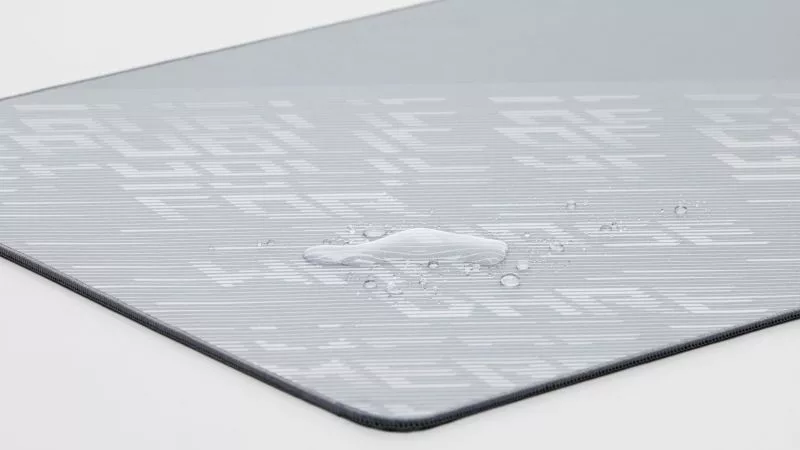
How to clean your mouse pad
With a few simple steps, you can help preserve your mouse pad's performance and keep your desk mat looking as sharp as the rest of your setup.
How to clean your OLED monitor
Keeping your OLED monitor looking pristine is surprisingly simple. You just need a microfiber cloth and the right technique.

How to enable Xbox mode to reduce RAM usage when gaming on Windows
Here’s how you can enable Xbox mode for Windows 11 PCs to score a more streamlined, controller-friendly experience.